1. About these terms
Cricket Caddy is a product of RoboMama Pty Ltd (ABN 15 674 979 885, ACN 674 979 885) — "we", "us" or "our" in
these Terms means RoboMama Pty Ltd.
These Terms & Conditions ("Terms") govern your access to and use of the Cricket Caddy
platform, websites and apps (the "Service"). By ticking the acceptance box, registering, or
using the Service, you agree to be bound by these Terms. If you do not agree, do not
register or use the Service.
If you register on behalf of a child, you confirm you are their parent or legal guardian and
accept these Terms on their behalf. If you register on behalf of an organisation, you confirm
you are authorised to bind it.
2. Your account
- Access is by registration and approval; we may accept, refuse, suspend or remove any
account at any time, at our sole discretion.
- The Service is under continuous development. We may modify features, or suspend or end
parts of the Service, at any time.
3. Fees
- Access to the Service's current features is presently free of charge.
- Free access today is not a promise of free access in future. Pricing, and any
founding-member or other offers, will be announced separately and apply under their own
terms once accepted by you.
- We may add, remove, limit or gate features at any time, including moving features
between free and paid tiers.
4. System messages and service notifications
- We may send platform messages inside the Service — for example about new
features, upgrades, planned maintenance or outages.
- Some messages are shown when you sign in and must be acknowledged before you
continue using the Service. Your acknowledgment (including the time and the device or
channel it came from) is recorded as a read receipt.
- For scheduled events such as maintenance windows or upgrades, a reminder banner is
displayed in the Service during the 24 hours before the scheduled start, even after you
have acknowledged the message.
- Platform messages are the primary channel for service notifications. You are taken to
have received a notification once it has been made available to you in the Service,
whether or not you have signed in to see it.
5. Availability, outages and maintenance
- No guarantee of availability is made. The Service may be slow, degraded,
partially or completely unavailable at times.
- Where reasonably practicable, planned maintenance, upgrades and outages will be
announced in advance by platform message (see section 4).
- We may nevertheless take the Service down without notice where reasonably
necessary — including for emergency repairs, security incidents, or circumstances outside
our control — and unplanned outages may occur at any time.
6. Your data — loss and your backups
- Data you or others enter (including bookings, invoices, session logs, feedback,
recordings, photos and videos) may be lost, corrupted, altered or become unavailable,
including through software defects, migrations or rollbacks.
- You are responsible for keeping your own copies. We encourage you to export your
data periodically using the tools provided (or keep independent records) so that you
always hold a current copy of anything you rely on.
- We are not obliged to recover, restore, or return any data.
7. Feedback
Any feedback, suggestions, ideas or bug reports you provide may be used by us freely and
without restriction, payment or attribution, including to develop and commercialise the
Service.
8. Acceptable use
- You must provide accurate registration details, keep your login secure, and not share
your account.
- You must not misuse the Service — including attempting to gain unauthorised access,
interfering with its operation, uploading unlawful or infringing content, or using it to
harass or harm others.
- You are responsible for content you upload and for your dealings with other users
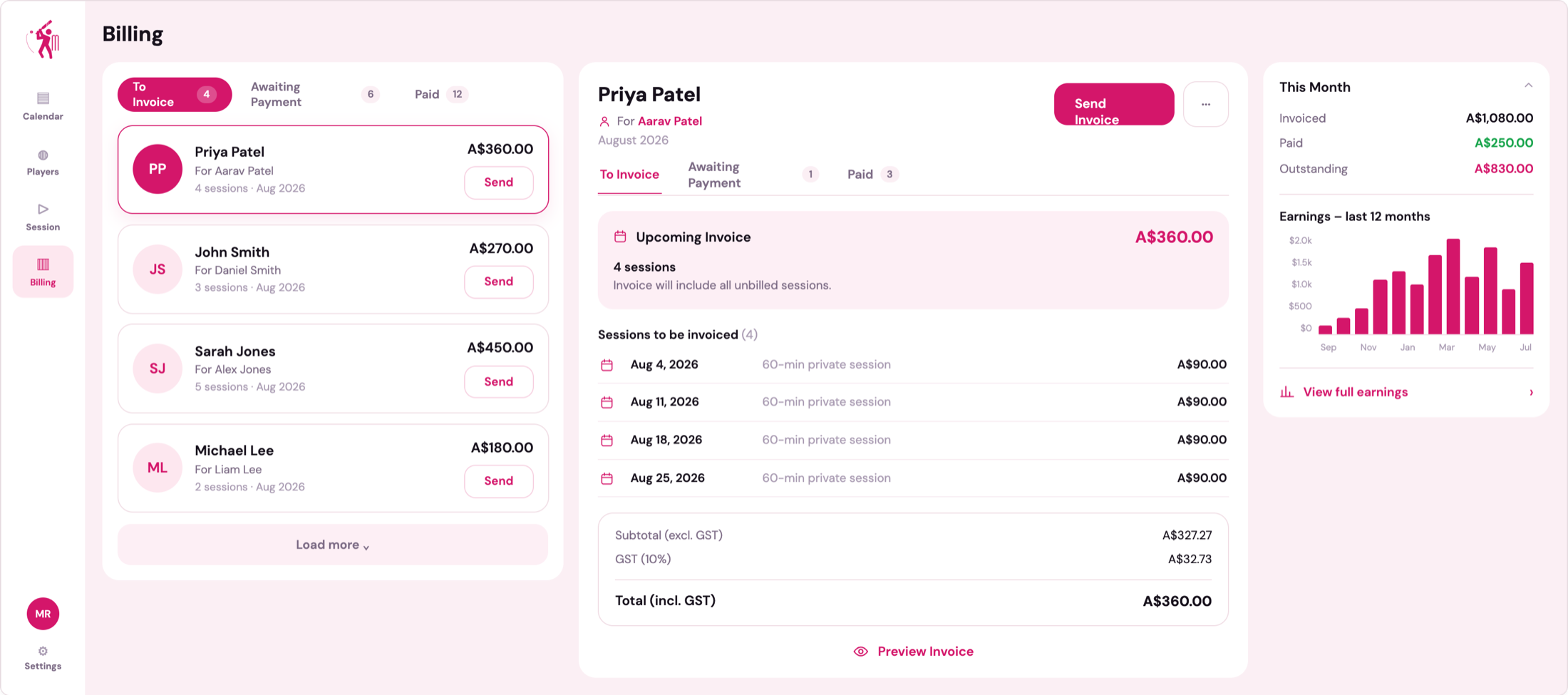
(including coaching arrangements, payments and invoices between coaches and
players/parents — we are a facilitation tool, not a party to those arrangements).
9. Your content
You retain ownership of content you upload. You grant us a licence to host, store, process,
display and transmit it as needed to operate, test and improve the Service.
10. Our intellectual property
The Service and everything in it that is not your content — including the Cricket Caddy name and
logo, the website, the portal, the Cricket Simulator, its 3D models, physics, analysis and scoring
methods, the knowledge base, videos, images, text, software and source code — is owned by RoboMama
Pty Ltd or its licensors and protected by copyright, trade mark and other laws. All rights are reserved.
We give you a limited, personal, non-exclusive, non-transferable licence to use the Service for its
intended purpose while your account is in good standing. You must not, and must not help anyone else to:
- copy, download (other than as the Service allows), reproduce, republish, frame, mirror or
redistribute any part of the Service;
- decompile, disassemble, reverse engineer or otherwise try to obtain the source code, models,
algorithms or calibration of the Service, except as the law expressly permits;
- use bots, scrapers, crawlers or other automated means to access, extract or collect content or
data from the Service, or to make requests at a rate a person using it normally would not;
- build a product or service that competes with or imitates the Service using any part of it; or
- remove or alter any copyright, trade mark or other notices or markings in the Service.
We may watermark or mark content and software in the Service to identify its origin. Breaching this
section may lead to immediate suspension or termination of your account, and we may take legal action
to protect our rights.
11. Privacy and activity records
We collect and handle personal information (including names, contact details, session and
billing records) to operate the Service. For security and audit purposes we also keep
activity records — such as sign-in attempts, changes to account details, administrative
actions and message read receipts — including the time and the device or channel each
action came from. Do not upload sensitive information that is not needed to use the
Service.
12. Service provided "as is"
To the maximum extent permitted by law, the Service is provided "as is" and "as
available", without warranties or guarantees of any kind, express or implied — including
any warranty of merchantability, fitness for a particular purpose, accuracy, reliability,
availability or non-infringement.
13. Limitation of liability — no indemnity from us
- To the maximum extent permitted by law, we (including our owners, developers, employees
and agents) will not be liable for any loss or damage of any kind arising out of or in
connection with the Service — including loss of data, loss of income or business, missed
or double-booked sessions, incorrect invoices or amounts, loss of opportunity, or any
indirect, incidental, special or consequential loss — whether in contract, tort
(including negligence), statute or otherwise, even if we were advised of the possibility
of such loss. This includes loss arising from outages or maintenance, whether or not
notified in advance.
- No indemnity, compensation or reimbursement may be claimed against us in
connection with your use of the Service.
- Where liability cannot lawfully be excluded, our total aggregate liability is limited,
at our election, to re-supplying the Service or the amount (if any) you paid for it —
which, while access is free, may be nil.
14. Your indemnity to us
You indemnify us against claims, losses and expenses (including reasonable legal costs)
arising from your breach of these Terms, your content, or your unlawful use of the
Service.
15. Suspension and termination
We may suspend or terminate your access, or delete your account and its data, at any time
and without notice. You may stop using the Service at any time. Sections 6, 7, 9 and 11–13
survive termination.
16. Changes to these terms
We may update these Terms from time to time. The current version will always be available
on this page; material changes may also be announced by platform message. Continued use of
the Service after an update constitutes acceptance of the updated Terms.
17. Australian Consumer Law
Nothing in these Terms excludes, restricts or modifies any consumer guarantee, right or
remedy under the Australian Consumer Law or other law that cannot lawfully be excluded. To
the extent such rights apply, our liability is limited to the extent permitted by
law as set out in section 13.
18. Governing law
These Terms are governed by the laws of New South Wales, Australia, and you submit to the
non-exclusive jurisdiction of its courts.